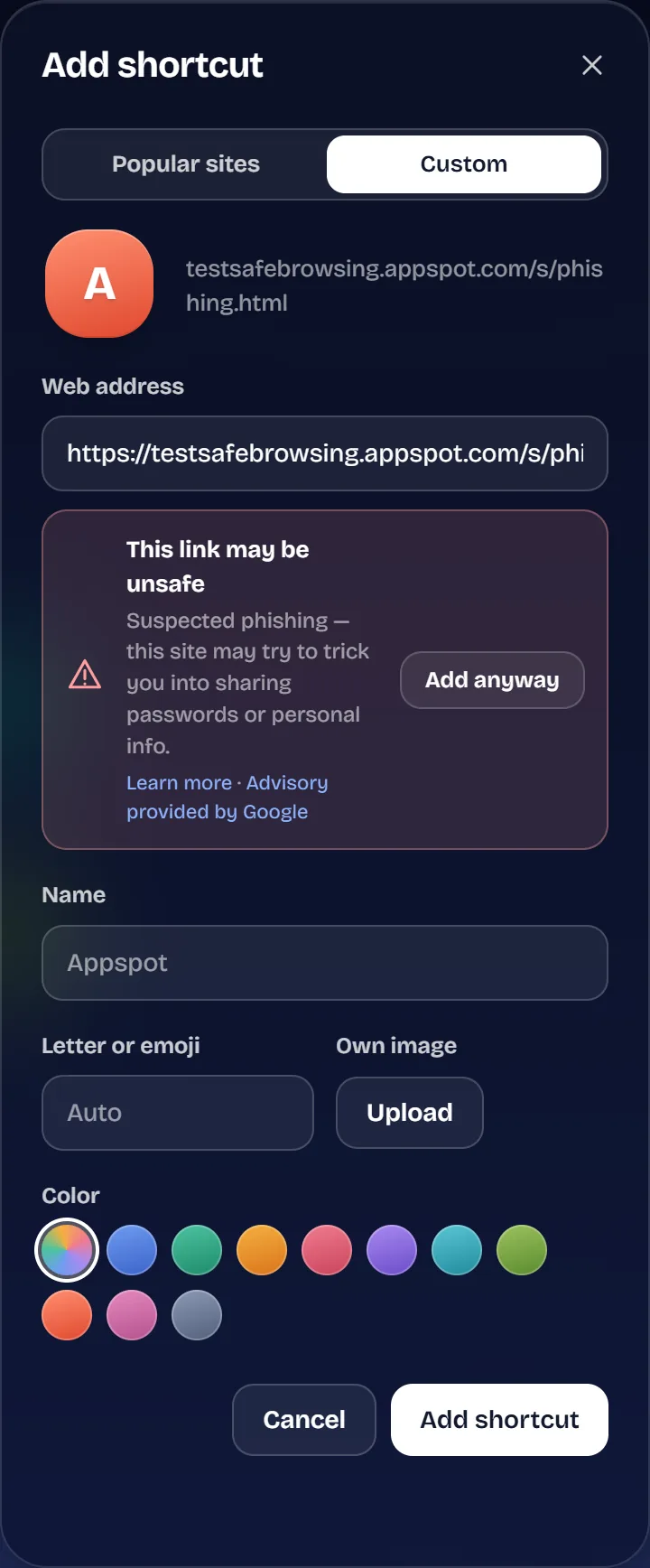
Risky links caught early
Every link you save or type is checked with Google Cloud Web Risk for phishing and malware, and look-alike addresses such as paypa1.com get a clear warning.

Turn every new tab into a beautiful, personalized space where your favorite websites, tools and essentials are always just a click away.
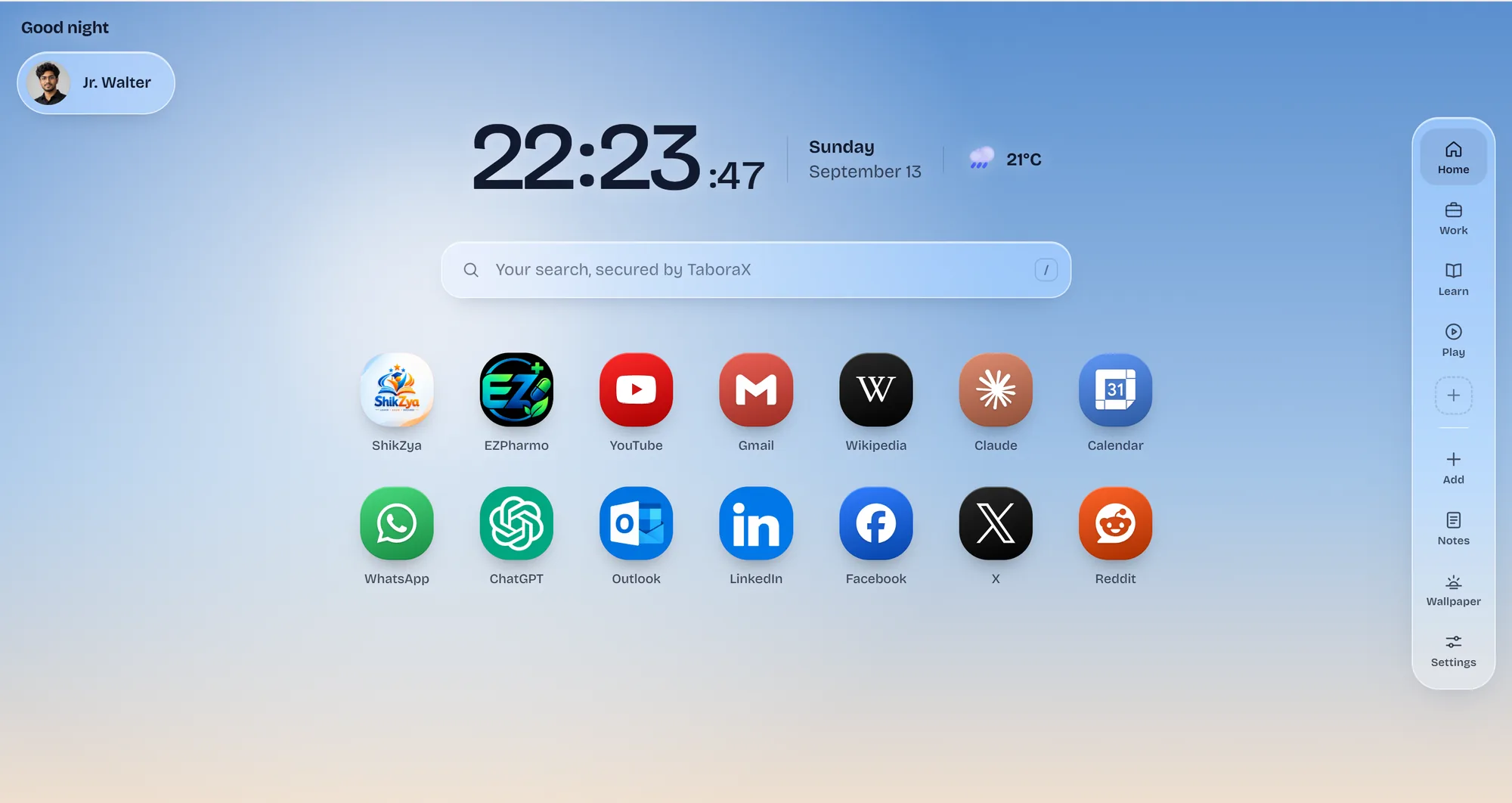
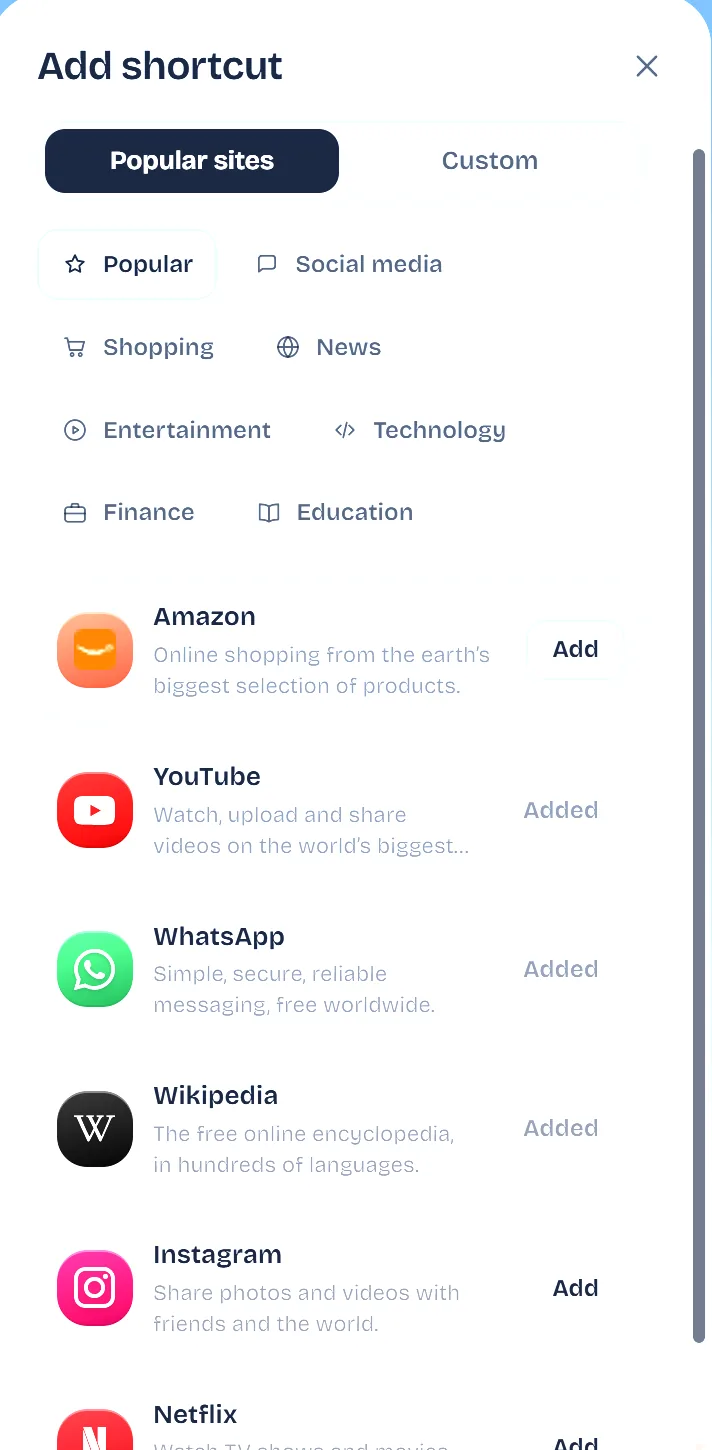
Add your favorite websites with ease and make them truly yours. Customize icons, colors, sizes and layouts to build a personalized new tab that keeps everything you need right where you want it.
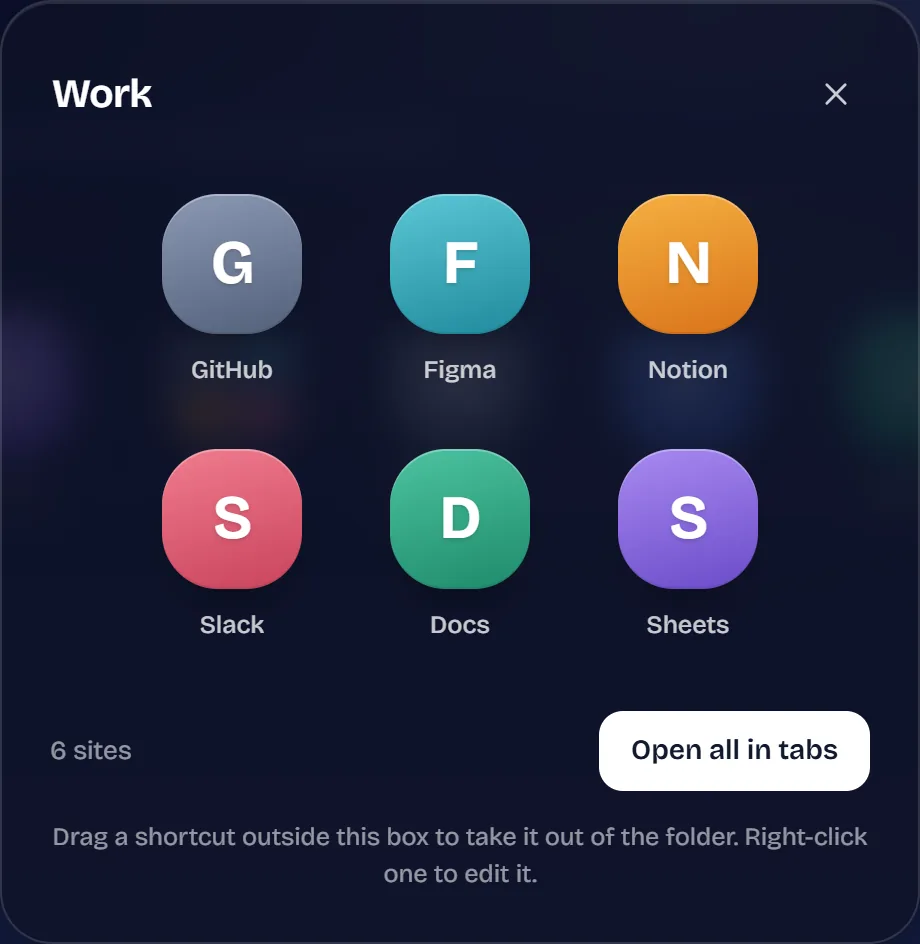
Create folders for your favorite websites, group them your way, and launch multiple sites instantly. Keep your workspace tidy and your essentials always within reach.
Paste a link, and TaboraX checks it with Google Cloud Web Risk before it joins your new tab. If it looks like phishing, malware or unwanted software, you get a clear warning, and the choice stays yours.
No protection is perfect. Google works to provide accurate, up-to-date information about unsafe sites, but some risky sites may not be flagged, and some safe sites may be flagged by mistake.
Every browser extension has to show what it's allowed to do before you install it. Put TaboraX side by side with the rest and the difference is easy to see.
That's the whole list at install. Two features ask for one more permission only when you first use them: Saved tabs (to read the tabs you choose to save) and focus blocking (only for the sites you list). TaboraX never reads the websites you visit or your history.
Every link you save or type is checked with Google Cloud Web Risk for phishing and malware, and look-alike addresses such as paypa1.com get a clear warning.
No analytics, no advertising and no selling your data. Without an account, your setup never leaves your browser.
Emails are confirmed with a code, passwords are stored only as secure hashes, and repeated wrong passwords lock sign-in for 15 minutes.
Tap the Work folder to see how it opens on the new tab.
Keep notes, manage to-do lists and capture important tasks instantly. Everything you need to stay productive, right in your new tab.
Tick a task to see how it feels in the extension.
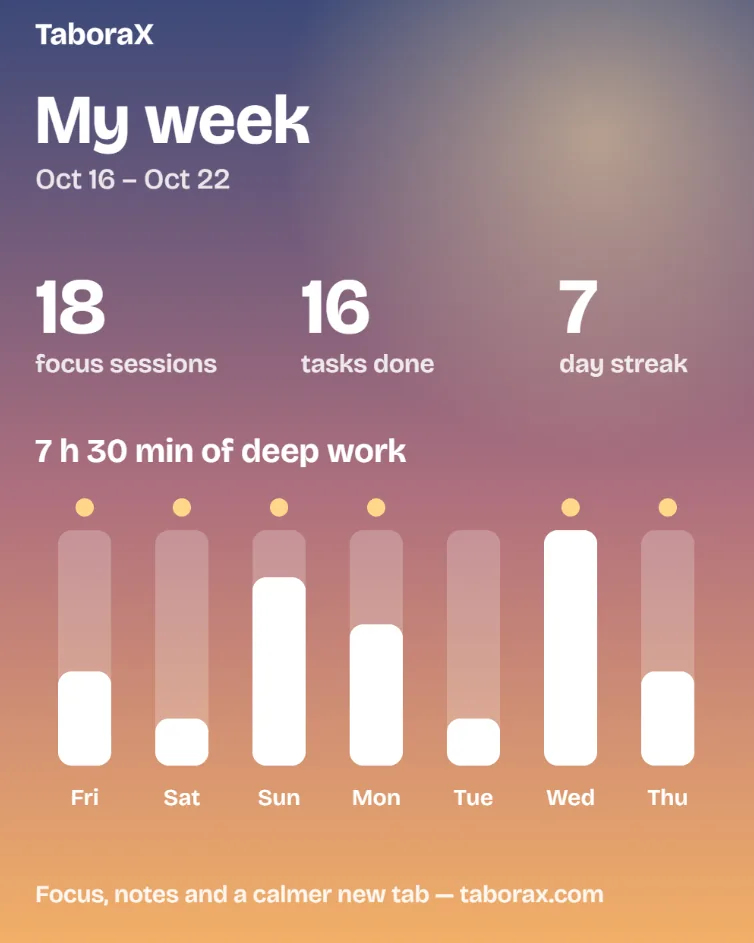
Start a 25-minute focus session from your new tab. Until it ends, YouTube, Instagram and any other site you list show a calm reminder instead — and every Monday, your week comes back to you in numbers.
Part of X Flow, free for everyone until 31 Dec 2026.
Start with a live sky that moves with your clock, from first light to deep night, or pin the moment you like best, such as Dawn or Golden hour. Prefer your own picture? Upload a photo, dim or blur it, and the clock and icons switch between light and dark text so they always stay readable.
These are the real skies from the extension — Live sky shows how it looks where you are right now. Shortcut tiles come in 10 hand-picked colour pairs, and you can use your own photo as the background.
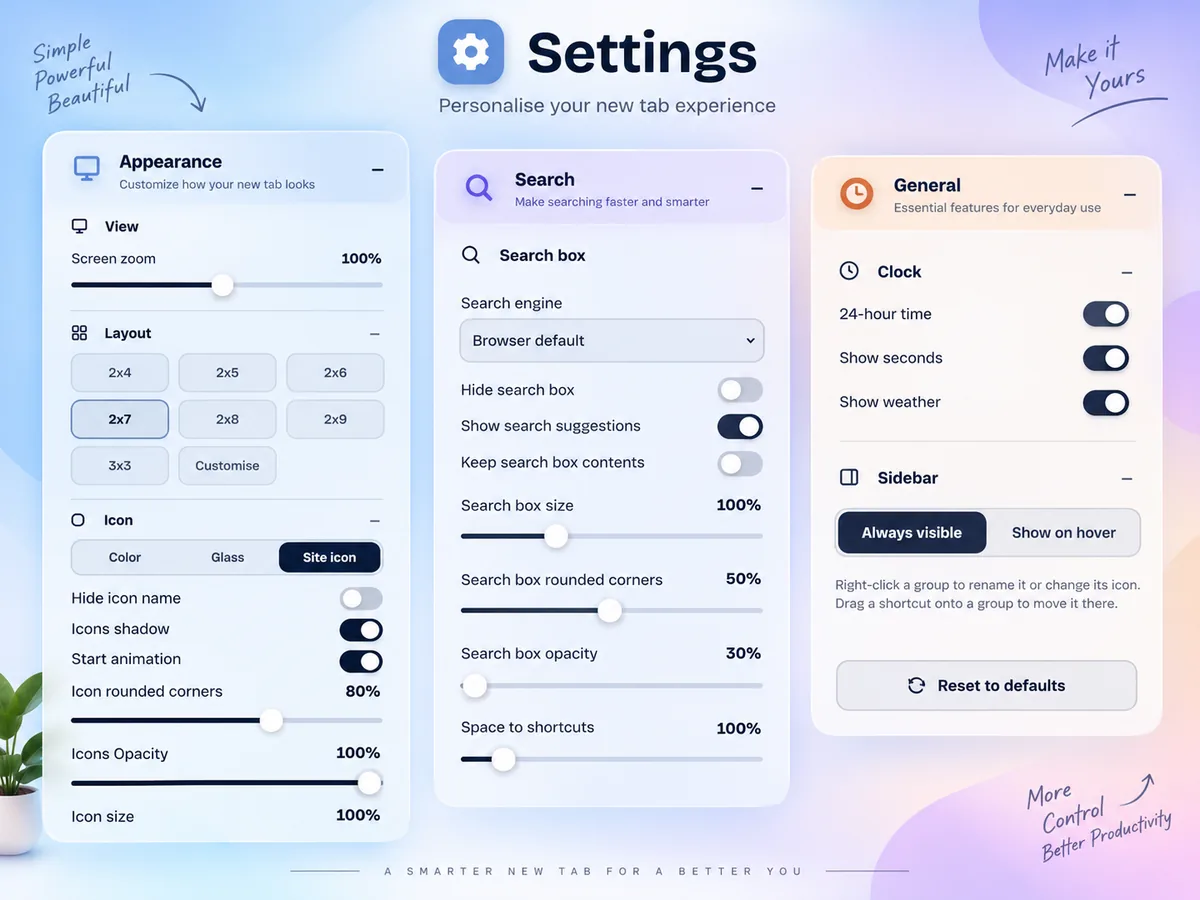
One Settings panel decides how your new tab looks, how you search and what it shows. Change anything, and you see it straight away.
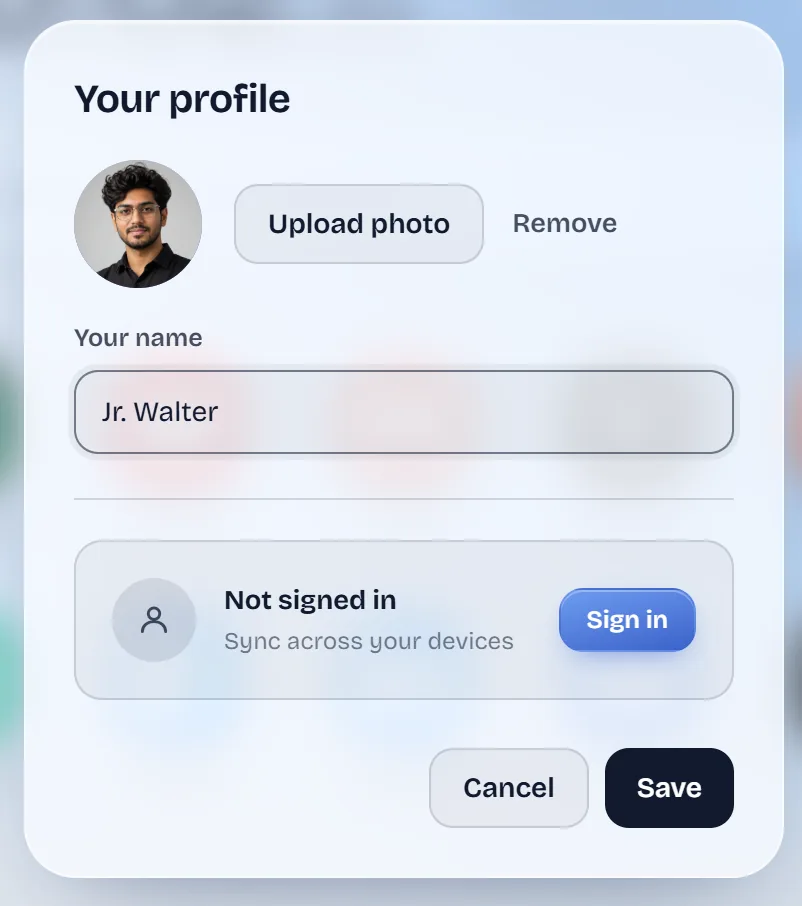
Create a free TaboraX account and your new tab follows you. Add a shortcut on your work laptop, and it's already waiting when you open a new tab at home.
Part of X Flux, free for everyone until 31 Dec 2026. Wallpapers you upload stay on the device they were made on.
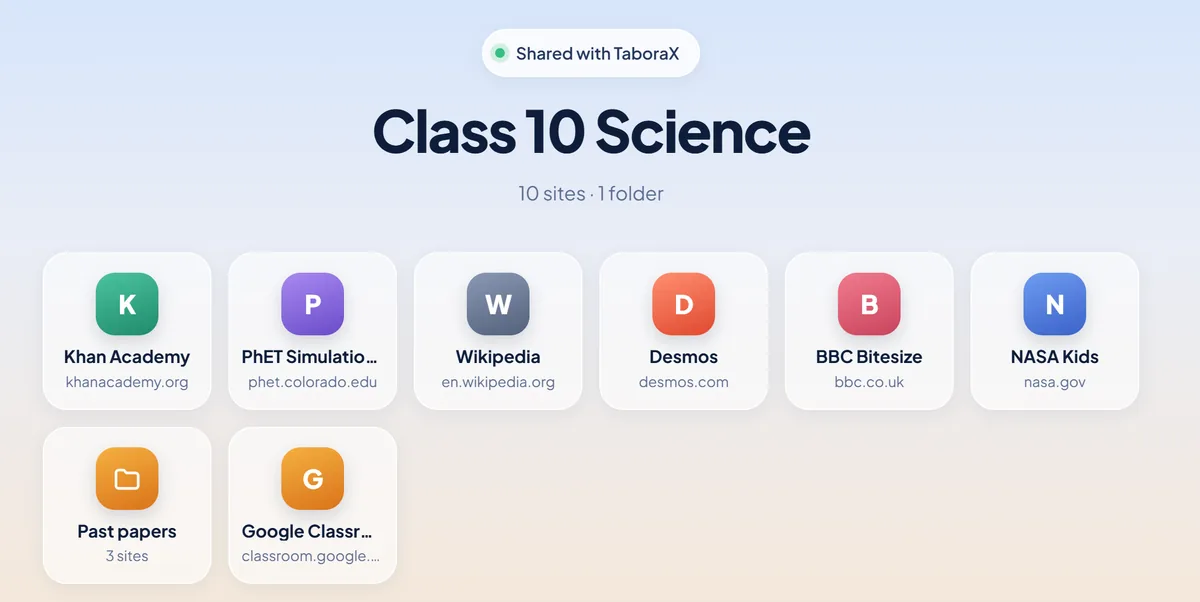
Send a class its study sites, a team its tools or the family its everyday links. Anyone with the link sees them on taborax.com, and TaboraX users add the whole group in one step.
Small things that add up to a new tab you actually want to land on.
Launch promotion: X Spark, X Flow and X Flux are all free until 31 Dec 2026. No card, no sign-up needed.
Compare plans