
Everything TaboraX puts on your new tab
One page that holds your sites, your notes, your tasks and your wallpaper — and opens the moment you press Ctrl + T.
Shortcuts that look the way you want
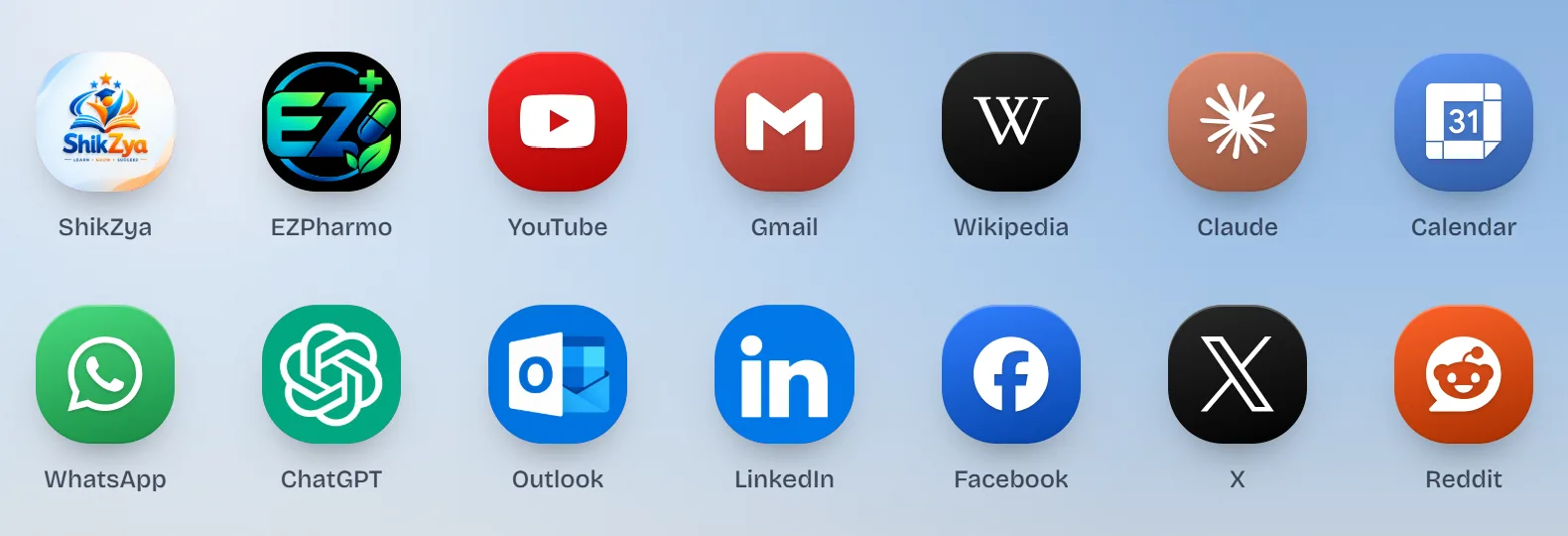
Build your own speed dial: add a site in two clicks, then change everything about how it appears: the icon, the letter, the color, the label and the size. Rearrange by dragging, and set how many icons sit in a row.
- Auto-fetched site icons, or upload your own
- Corner roundness you set, from square to circle
- Hide labels for a cleaner grid
Folders keep the clutter out of sight
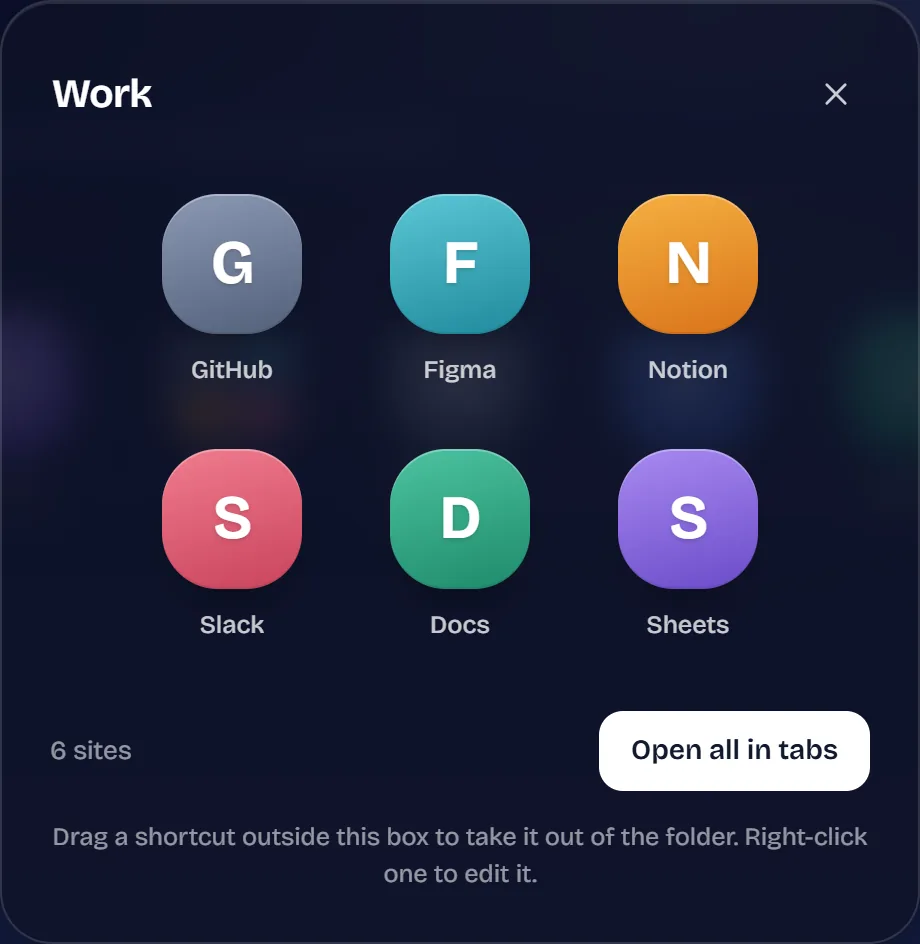
Group sites the way you actually work — one folder for the office, one for college, one for the things you only open on Sunday. Open a folder's sites all at once when you need them.
- Unlimited folders and unlimited sites inside them
- Drop one shortcut onto another to make a folder, then rename it
- Multiple pages of shortcuts when one screen runs out
A safety check on every link you save
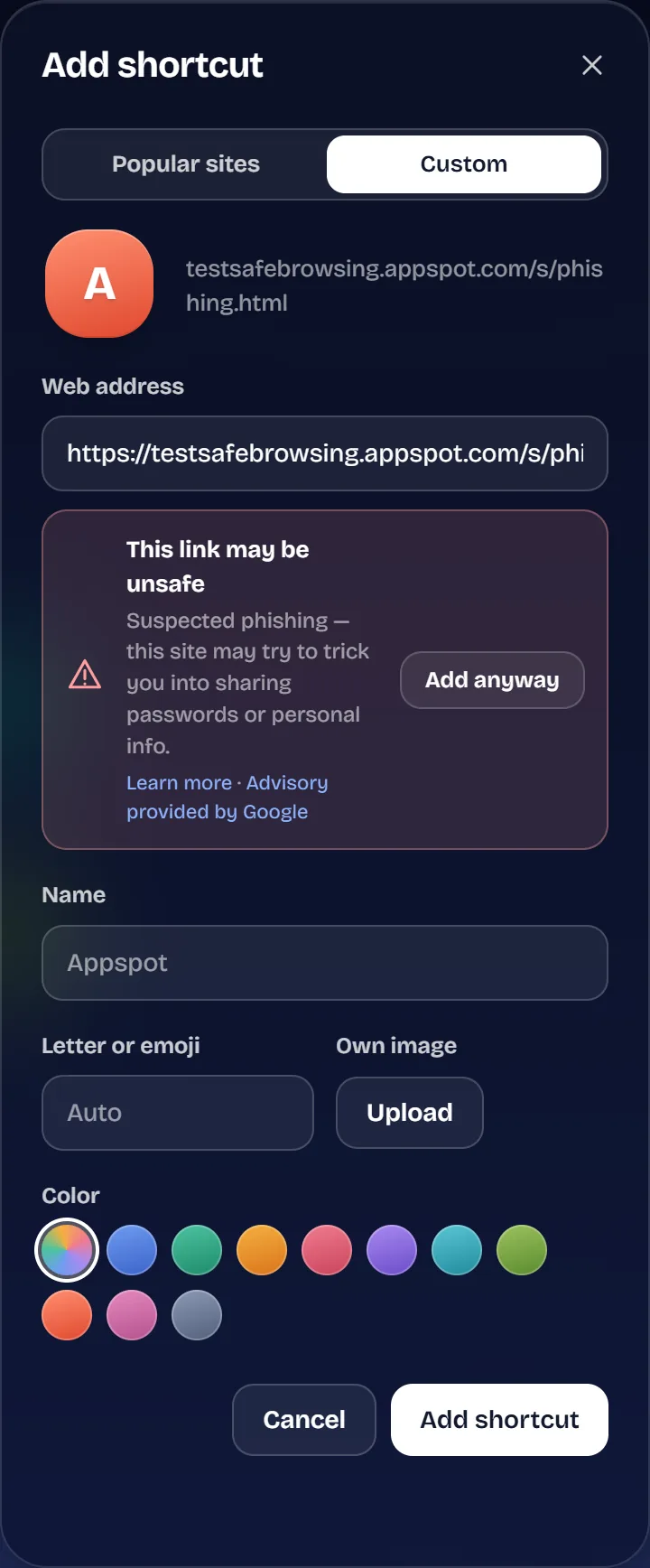
Paste a link, and TaboraX checks it with Google Cloud Web Risk before it becomes a shortcut. Suspected phishing, malware or unwanted software gets a clear warning. You can read more, or add the link anyway.
- Checks new shortcuts, and edited ones before they're saved
- Checks web addresses you type in the search bar too, with a shield that shows the result
- Warns about addresses that imitate a well-known site, like paypa1.com or g00gle.com
- Shows where a short link (bit.ly and the like) really goes, before you open it
- Optional SafeSearch filters explicit results on Google, Bing, DuckDuckGo and Brave
- Only the address is checked, and TaboraX doesn't store it
- No account needed
No protection is perfect. Google works to provide accurate, up-to-date information about unsafe sites, but some risky sites may not be flagged, and some safe sites may be flagged by mistake.
Every detail, your call
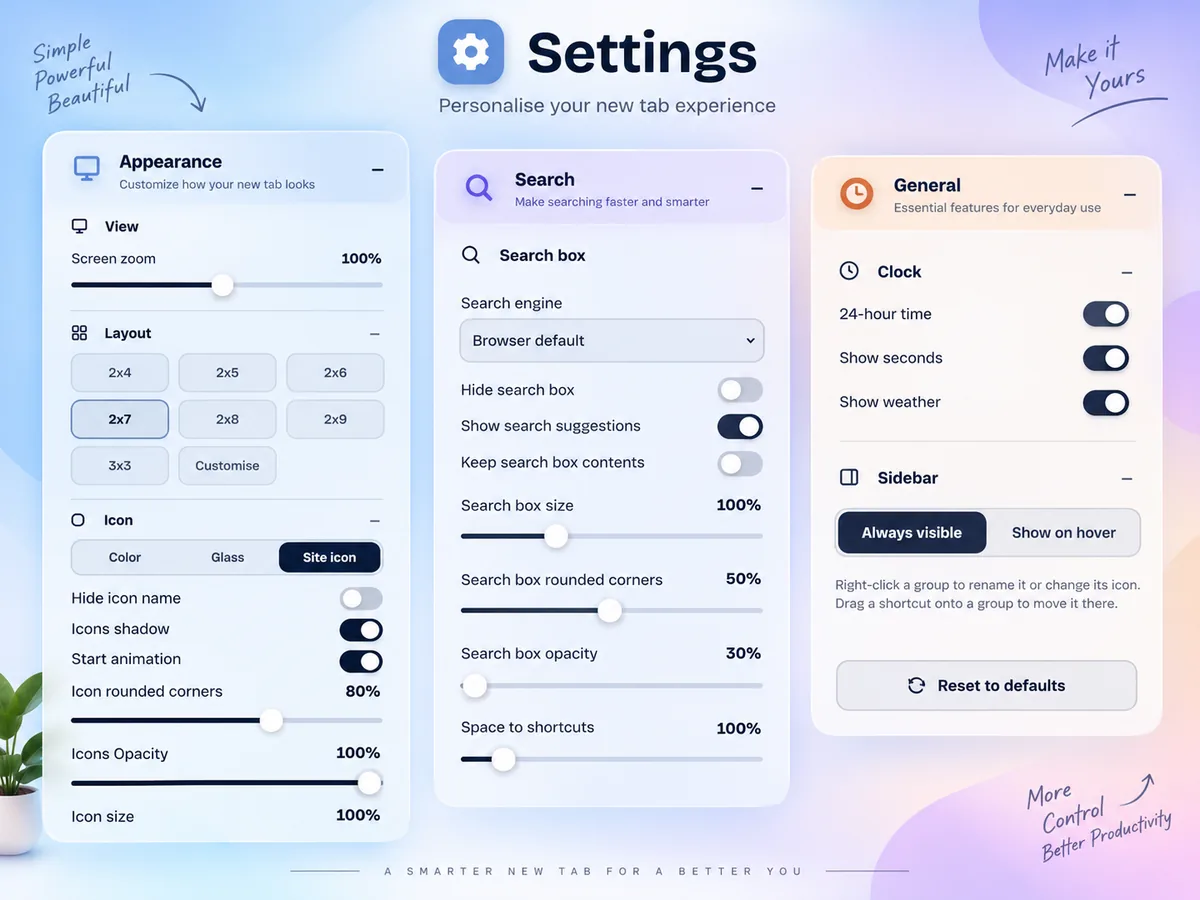
One Settings panel decides how your new tab looks, how you search and what it shows. Change anything, and you see it straight away.
- Layout presets from 2×4 to 2×9 and 3×3, or set your own
- Colour, glass or site icons, with size, corners, opacity, shadow and animation
- Your search engine, suggestions, and the search box's size, corners and opacity
- 24-hour clock, seconds, weather, page zoom and a sidebar that stays or shows on hover
Your setup, on every computer
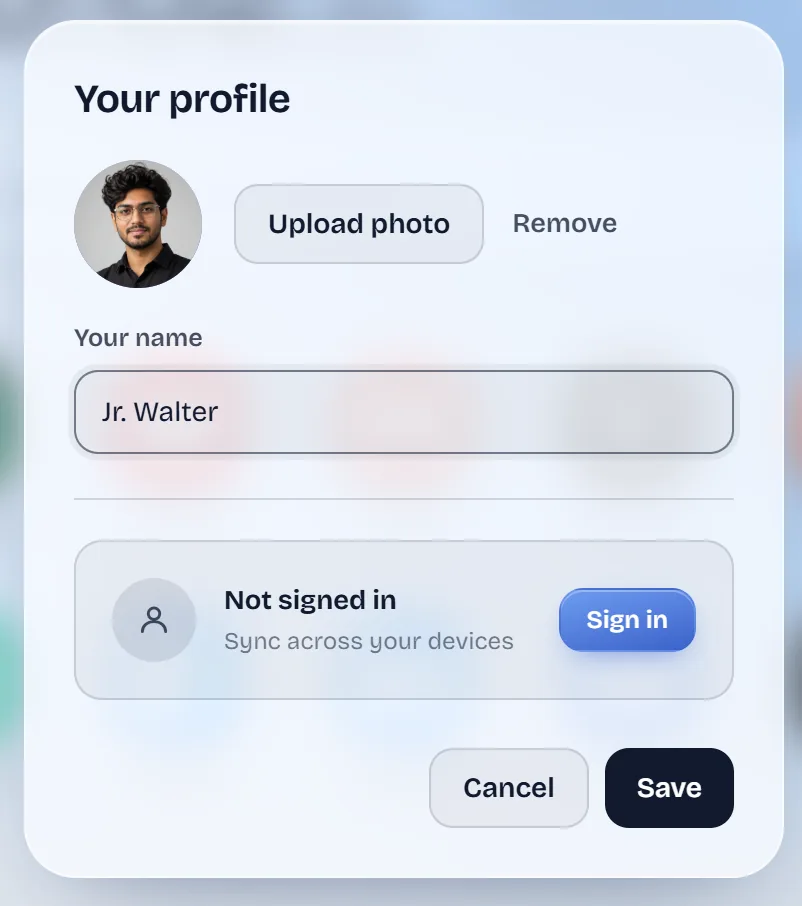
Sign in to a free TaboraX account and everything you've arranged follows you between devices, without copying anything by hand.
- Shortcuts, folders, notes, to-dos, saved tabs, profile photo and settings stay in sync
- On a computer without TaboraX, see them at taborax.com — unlocked in that browser only
- End-to-end encrypted in your browser with a key made from your password — we can't read it
- Sign in with email and password, reset it any time with a one-time code
- Optional — without an account, everything stays in your browser
Part of X Flux, free for everyone until 31 Dec 2026. Wallpapers you upload stay on the device they were made on.
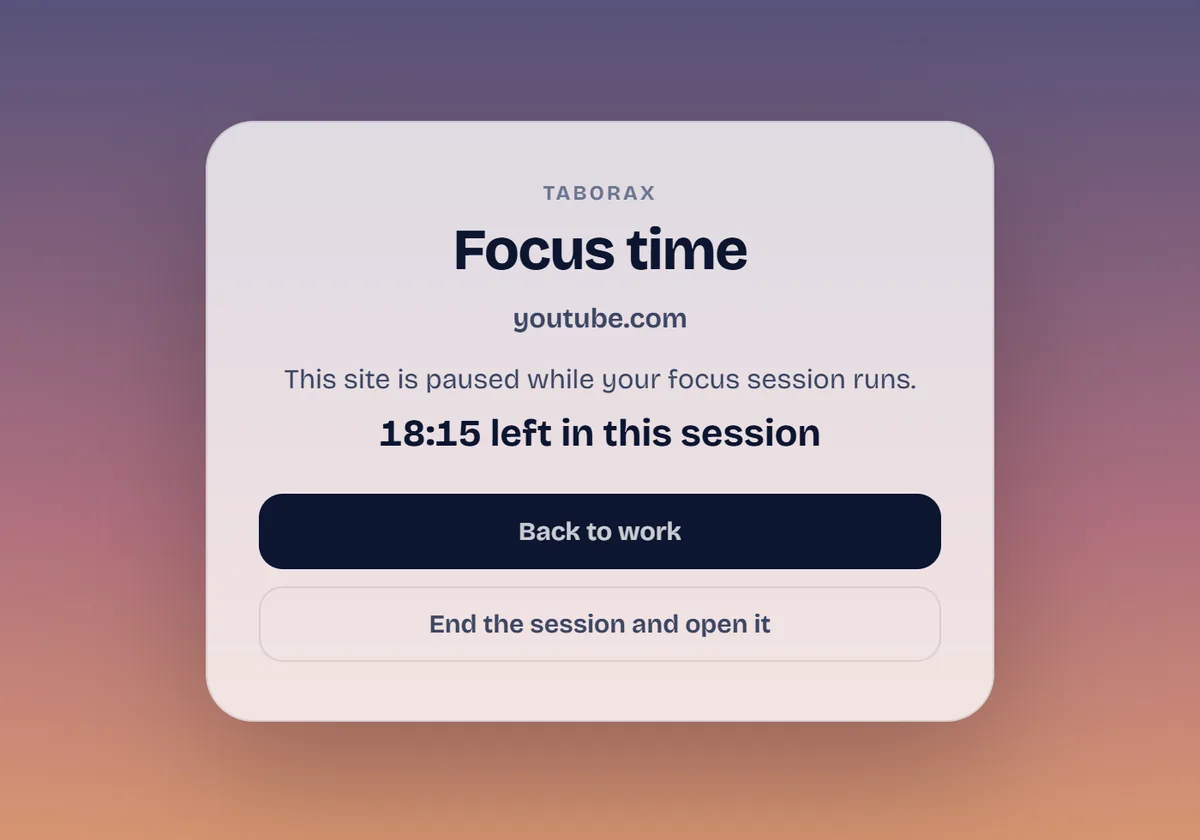
Focus without the detours
Start a 25-minute focus session from your new tab. Until it ends, YouTube, Instagram and any other site you list show a calm reminder instead — and every Monday, your week comes back to you in numbers.
- Focus timer with short and long breaks, counting down next to the clock
- Distracting sites stay closed until the session ends, then open as usual
- Your week — focus sessions, finished to-dos and your streak — as a card to save or share
- The browser asks once, and only for the sites you list
Part of X Flow, free for everyone until 31 Dec 2026.
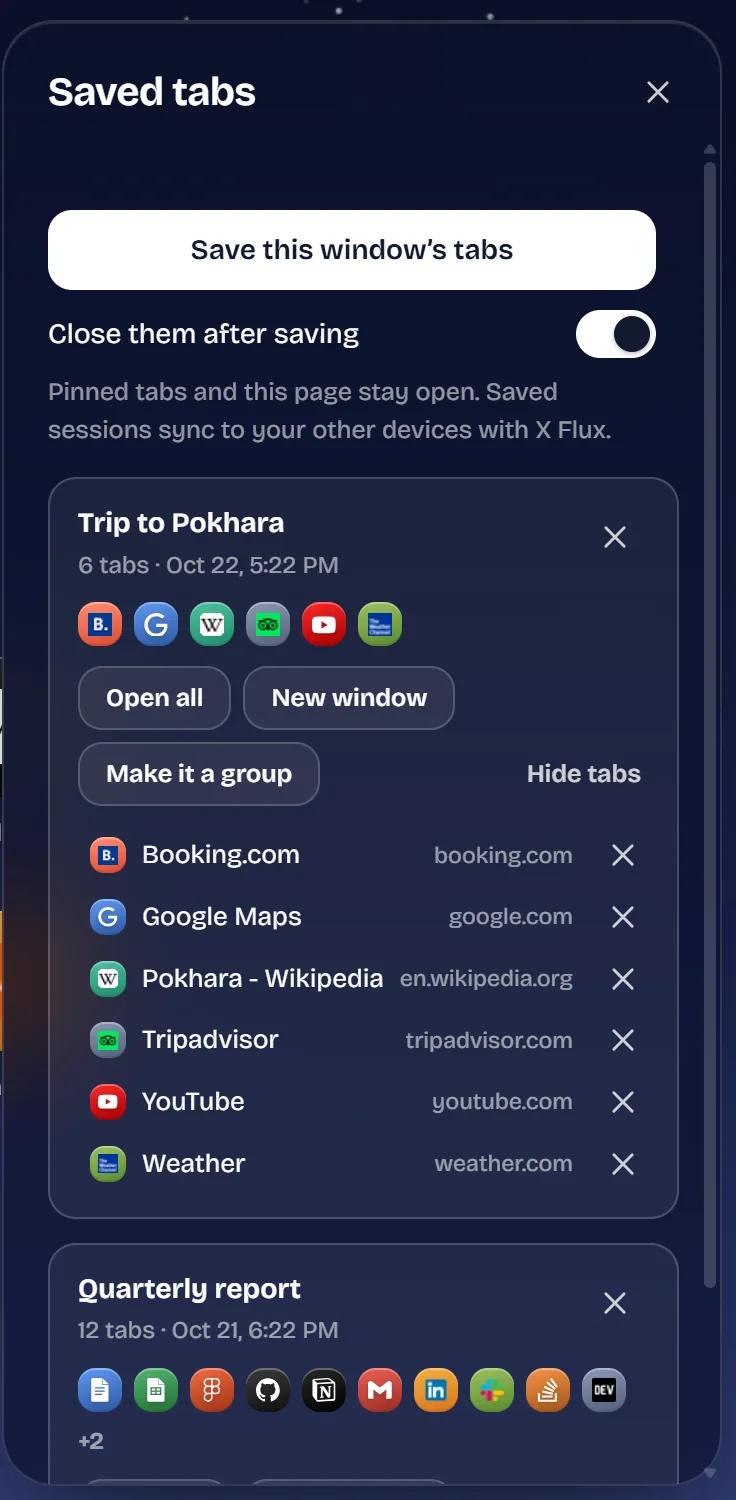
Put your tabs away for later
Too many tabs open? Save every tab of the window in one click and close them to free up memory. They wait in the side rail until you want them back.
- Open them all again, in a new window, or turn them into a group of shortcuts
- Rename a session, look inside it, or drop the tabs you no longer need
- Pinned tabs and TaboraX itself stay open
- Saved sessions sync to your other computers with X Flux
Part of X Flow, free for everyone until 31 Dec 2026.
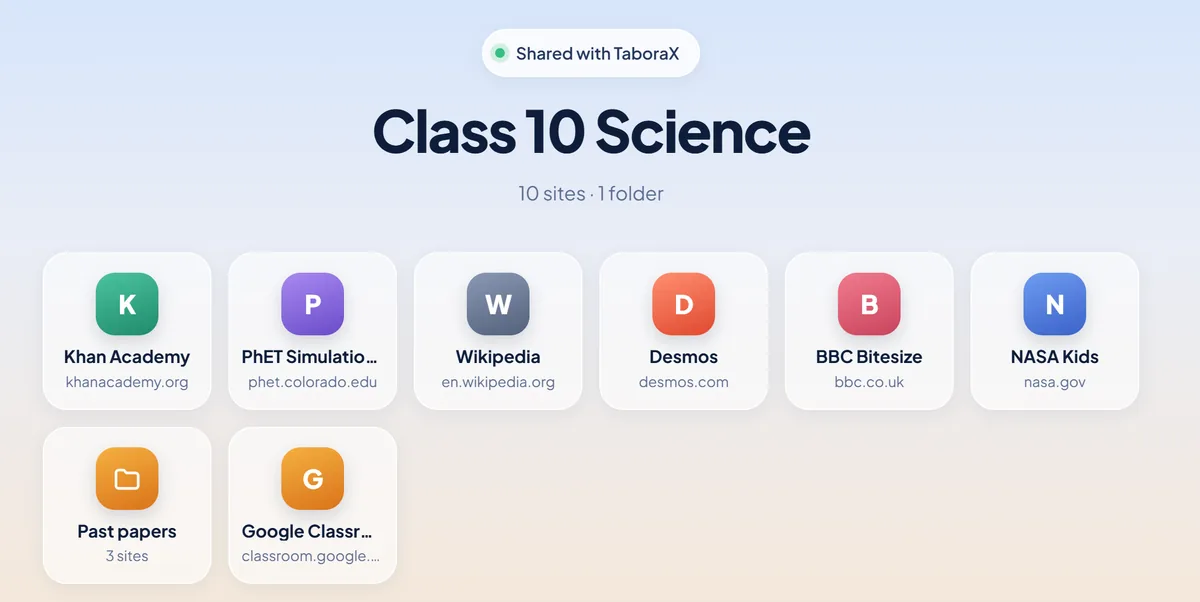
Share a whole group with one link
Send a class its study sites, a team its tools or the family its everyday links. Anyone with the link sees them on taborax.com, and TaboraX users add the whole group in one step.
- Right-click a group, choose Share this group, and the link is copied
- Change the group and update what the link shows, or stop sharing at any time
- The link carries the key, so our server can't read what you share
- Free on every plan
The full list
Everything below is free for all until 31 December 2026. See which plan includes what.